
See Your Grandchildren's Faces, Not Just Hear Their Voices
Remember when your grandson called last Tuesday and told you about his soccer game? You could hear the excitement in his voice, but you couldn’t see the pride on his face when he described scoring the winning goal. You missed seeing how tall he’s gotten, the gap where his front tooth fell out, or the way he lights up when he talks about something he loves.
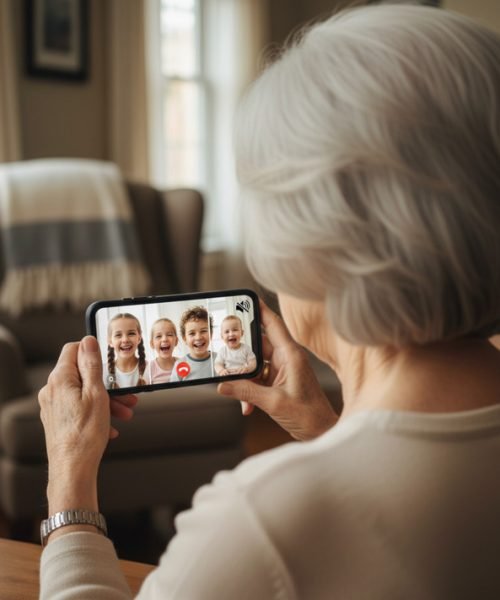
Phone calls are wonderful, but video calls are magical. They let you watch your granddaughter blow out her birthday candles from three states away. You can see your son’s new haircut, your daughter’s remodeled kitchen, or your great-grandchild taking their first steps. You can read bedtime stories while your grandkids see the pictures in the book. You can attend family gatherings virtually when traveling isn’t possible.
But here’s the problem: video calling apps like FaceTime, Zoom, and WhatsApp can feel impossibly confusing if no one’s shown you how they work. Where do you click? How do you answer a call? What if you accidentally hang up? What if they can’t hear you or the camera shows the wrong angle?
Teach Me Tech OC specializes in teaching Orange County seniors exactly how to video call with confidence. We serve communities from Rancho Santa Margarita to Laguna Beach, Mission Viejo to Irvine. Within one session, you’ll be video calling family members like you’ve been doing it for years.
What's Included in Our Video Calling Setup & Training
Complete App Installation & Account Setup
We install FaceTime, Zoom, WhatsApp, Skype, Google Meet, or whatever your family uses. We create accounts, set up profiles, and handle all the technical details.
Contact Organization
We add your family members to your favorites or contacts list so calling them is just one tap. No hunting through menus or typing phone numbers.
Camera & Audio Testing
We test your camera angle, lighting, and microphone to ensure you look and sound great on calls. We'll adjust settings so you're not accidentally showing the ceiling or speaking too quietly.
Practice Call with Family
If your family is available, we'll facilitate a practice video call with them during our session so everyone learns together and troubleshoots any issues.
Making & Receiving Calls Practice
We practice actual calls together until you're comfortable starting calls and answering when family calls you. Repetition builds confidence.
Troubleshooting Common Issues
What if you can't hear them? What if they can't see you? What if the call freezes? We teach you simple fixes for the most common problems.
Screen Sharing & Advanced Features
If interested, we can show you how to share photos during calls, switch between front and back cameras, add multiple people to group calls, or use virtual backgrounds.
Different Devices, Same Skills
Whether you're using an iPad, iPhone, Android tablet, computer, or Amazon Echo Show, we teach you video calling on YOUR device.
Popular Video Calling Apps We Teach
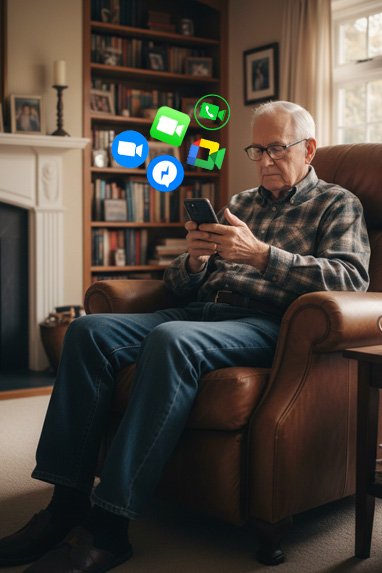
We help you learn the most commonly used video calling apps simple, step-by-step. Whether your family uses Apple, Android, Facebook, or international platforms, we make each app easy to understand so you can stay connected face-to-face with the people you love.
FaceTime (iPhone, iPad, Mac)
Apple's video calling app is incredibly simple for calling other iPhone and iPad users. Perfect if your whole family uses Apple devices. We teach you how to answer calls, switch cameras, and add multiple family members to one call.
Zoom
Popular for family gatherings, book clubs, and staying connected with multiple people at once. We teach you how to join meetings using links, mute/unmute yourself, see everyone at once in gallery view, and use basic features without getting overwhelmed.
WhatsApp Video Calls
Great for international calling without expensive fees. Perfect if you have family overseas. We set up WhatsApp, add your contacts, and teach you to start video calls with one tap.
Google Meet (formerly Duo)
Simple video calling that works on Android and iPhone. Good choice if your family uses Gmail or Android devices.
Facebook Messenger Video Calls
If you're already on Facebook to see family photos, Messenger video calls are built right in. We teach you how to call Facebook friends and family directly from the app.
Marco Polo
This "video walkie-talkie" app lets you send video messages back and forth when schedules don't align for live calls. Perfect for busy families in different time zones.
Ready to Finally Enjoy Your Technology?
Don’t let your new device collect dust or cause stress. Teach Me Tech OC helps seniors across Orange County turn technology into something simple, useful, and enjoyable.
Serving all OC cities including RSM, Mission Viejo, Laguna Niguel, Laguna Beach, Irvine, Newport Beach, Costa Mesa, Huntington Beach, Anaheim, Santa Ana, Tustin, Lake Forest, Aliso Viejo, Dana Point, San Clemente, Yorba Linda, Fullerton, Brea, and more.
Call Teach Me Tech OC or visit pricing to book your device setup. Same-day and next-day appointments available.